I design learning experiences that make complex ideas clearer, communication stronger, and content more impactful. My work lives at the intersection of instructional design, visual communication, and real-world application.

flagship project
thinkAI Program Evaluation
This project is a comprehensive program evaluation of the thinkAI professional learning initiative, a six-month program designed to support K–12 educators in integrating artificial intelligence into classroom instruction. The evaluation was conducted to assess the program’s effectiveness in building teacher capacity, increasing confidence with AI tools, and supporting meaningful classroom implementation. With the rapid emergence of AI in education, there was a clear need to move beyond anecdotal success and examine measurable impact.
This project is a comprehensive program evaluation of the thinkAI professional learning initiative, a six-month program designed to support K–12 educators in integrating artificial intelligence into classroom instruction. The evaluation was conducted to assess the program’s effectiveness in building teacher capacity, increasing confidence with AI tools, and supporting meaningful classroom implementation. With the rapid emergence of AI in education, there was a clear need to move beyond anecdotal success and examine measurable impact.
The need for this evaluation emerged from both the scale and significance of the initiative. With high participation and consistent engagement across sessions, stakeholders needed a structured way to determine whether the program was translating into actual learning and instructional change. This evaluation was grounded in Kirkpatrick’s Four Levels of Evaluation, with a primary focus on Reaction and Learning, while also considering indicators of Behavior. Multiple data sources were used, including pre- and post-assessments, teacher-created project artifacts, attendance data, and participant feedback, allowing for a more complete picture of both perceived value and demonstrated learning.
Design decisions were guided by principles of data-driven decision making and program evaluation best practices. Data collection methods were selected to balance rigor with practicality in a real-world educational setting. Quantitative data highlighted growth in teacher understanding, while qualitative feedback provided insight into participant experience and classroom application. The results indicated strong program effectiveness, including high engagement, measurable learning gains, and successful implementation of AI-based student projects. This project demonstrates the ability to apply evaluation frameworks in authentic contexts and use data to inform instructional and organizational decision-making.
MICROLEARNING
DIY Logo Design with Canva
This project is a short-form microlearning experience designed to help educators and novice designers create effective logos using Canva. It was developed for time-constrained learners who need practical, immediately applicable design skills without the barrier of complex software or lengthy instruction. The goal was to deliver focused, high-impact learning in a format that aligns with how busy professionals actually consume content.
This project is a short-form microlearning experience designed to help educators and novice designers create effective logos using Canva. It was developed for time-constrained learners who need practical, immediately applicable design skills without the barrier of complex software or lengthy instruction. The goal was to deliver focused, high-impact learning in a format that aligns with how busy professionals actually consume content.
The need for this project emerged from repeated observation of poorly designed logos used in classrooms, school initiatives, and small programs—often created quickly without an understanding of basic design principles. Rather than positioning design as complex or inaccessible, this project reframes it as a skill that can be developed through clear guidance and visual modeling. Canva was intentionally selected due to its accessibility and familiarity among educators, as well as its ability to reduce cognitive overload by removing technical barriers.
Design decisions were grounded in microlearning principles, cognitive load theory, and Mayer’s multimedia principles. Content was segmented into concise, manageable steps with a strong emphasis on visual examples and before-and-after comparisons. The result is a practical, engaging learning experience that allows users to immediately apply design principles, improving both confidence and the overall quality of their visual communication.
facilitator guide
Digital Content Wow: Mastering AI-Powered Creation with Gamma
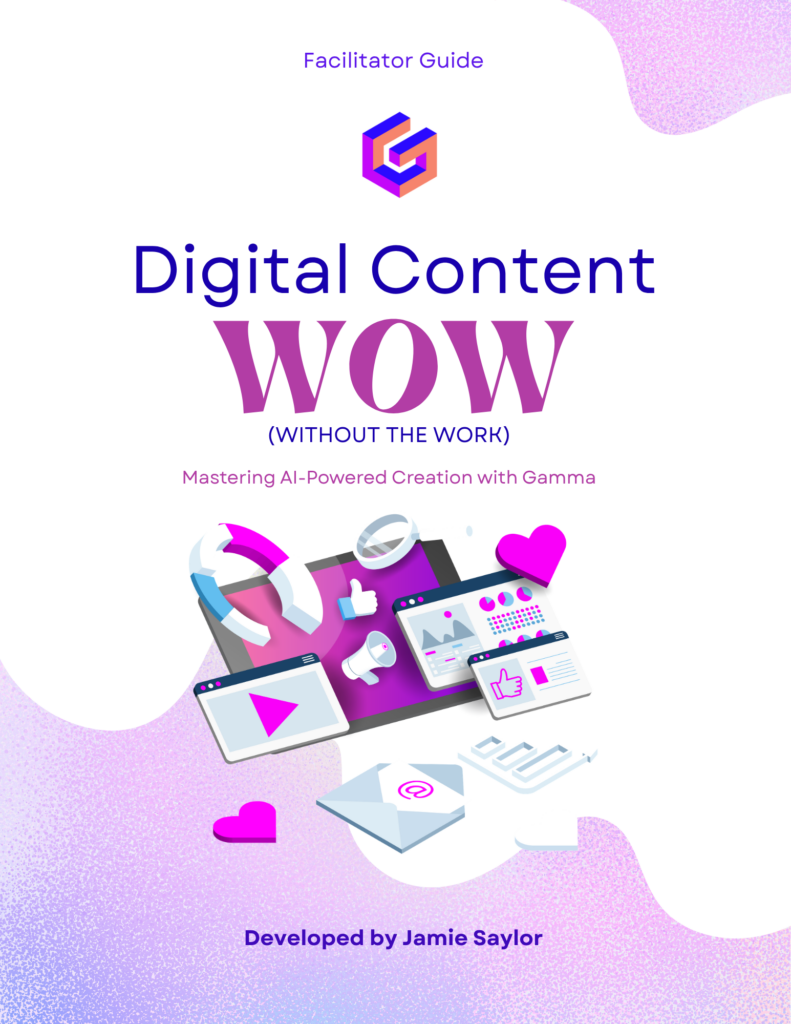
This project is a facilitator guide designed to support the delivery of a professional learning session focused on using AI-powered tools—specifically Gamma—to create high-quality, visually engaging instructional content. Developed for K–12 educators with varying levels of technology experience, the guide provides a structured framework for leading an interactive session that moves beyond tool demonstration and into intentional instructional use.
This project is a facilitator guide designed to support the delivery of a professional learning session focused on using AI-powered tools—specifically Gamma—to create high-quality, visually engaging instructional content. Developed for K–12 educators with varying levels of technology experience, the guide provides a structured framework for leading an interactive session that moves beyond tool demonstration and into intentional instructional use.
The need for this project was identified through direct work with educators who were overwhelmed by the rapid emergence of AI tools but unsure how to use them effectively in their practice. Many were either avoiding AI altogether or using it in ways that did not meaningfully enhance instruction. This facilitator guide addresses that gap by equipping session leaders with clear pacing, discussion prompts, and hands-on activities that help participants actively engage with AI as part of the design process. Gamma was selected as the focal tool due to its ability to streamline content creation while still allowing instructional decisions to guide the final product.
The design of the facilitator guide is grounded in constructivist learning theory and the Community of Inquiry framework, emphasizing active participation, reflection, and application. Guidance is intentionally structured to support both the facilitator and the learner experience, incorporating opportunities for modeling, practice, and discussion. Cognitive load theory and multimedia principles informed how content is introduced and scaffolded throughout the session. The result is a practical, ready-to-use resource that supports consistent, high-quality delivery while helping educators build confidence and shift their mindset to view AI as a design partner rather than a shortcut.
ux/ui
Website Redesign
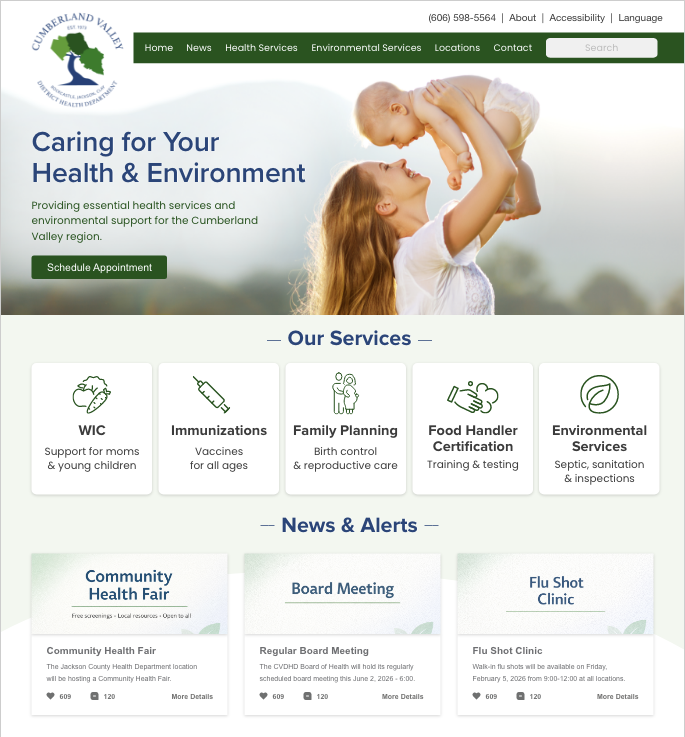
This project is a user-centered website redesign, focused on improving usability, accessibility, and clarity for community members seeking health services. The redesign includes multiple key pages and is grounded in a detailed user persona representing a typical rural user navigating services such as WIC, immunizations, and family planning.
This project is a user-centered website redesign, focused on improving usability, accessibility, and clarity for community members seeking health services. The redesign includes multiple key pages and is grounded in a detailed user persona representing a typical rural user navigating services such as WIC, immunizations, and family planning.
The need for this redesign was identified through analysis of the existing site, which presented significant usability challenges, including outdated content, unclear navigation, and cognitive overload caused by dense information layouts. For users—particularly those in rural communities with limited time or digital literacy—these barriers directly impacted access to essential services. This project addresses those challenges by prioritizing clarity, efficiency, and user intent.
Adobe XD was selected to prototype the redesign due to its ability to support iterative design, responsive layouts, and user flow visualization. Design decisions were informed by user experience principles, cognitive load theory, and accessibility standards (WCAG 2.1 AA). Content was streamlined, navigation simplified, and visual hierarchy strengthened to support quick decision-making. The result is a more intuitive, accessible digital experience that better aligns with the needs of the community it serves.

online course
School Branding & Communications
This project is a fully developed online course designed to support educators and school leaders in building cohesive, effective school branding and communication strategies. Delivered through Canvas, the course guides learners through foundational concepts such as visual identity, messaging, and audience engagement, while providing practical tools for immediate implementation.
This project is a fully developed online course designed to support educators and school leaders in building cohesive, effective school branding and communication strategies. Delivered through Canvas, the course guides learners through foundational concepts such as visual identity, messaging, and audience engagement, while providing practical tools for immediate implementation.
The need for this course emerged from extensive professional experience in K–12 communications, where inconsistencies in branding and messaging often weakened school identity and community perception. Many educators are tasked with communication responsibilities without formal training, leading to fragmented visuals and unclear messaging. This course addresses that gap by combining instructional design with real-world application.
The course design follows a structured model aligned with backward design and the Community of Inquiry framework. Learning activities emphasize authentic application through real-world branding tasks and reflection. Principles from cognitive load theory and multimedia learning guided content development to ensure clarity and usability. The result is a highly practical learning experience that empowers educators to create more intentional, consistent, and impactful communication within their schools.
UX/UI
App Design
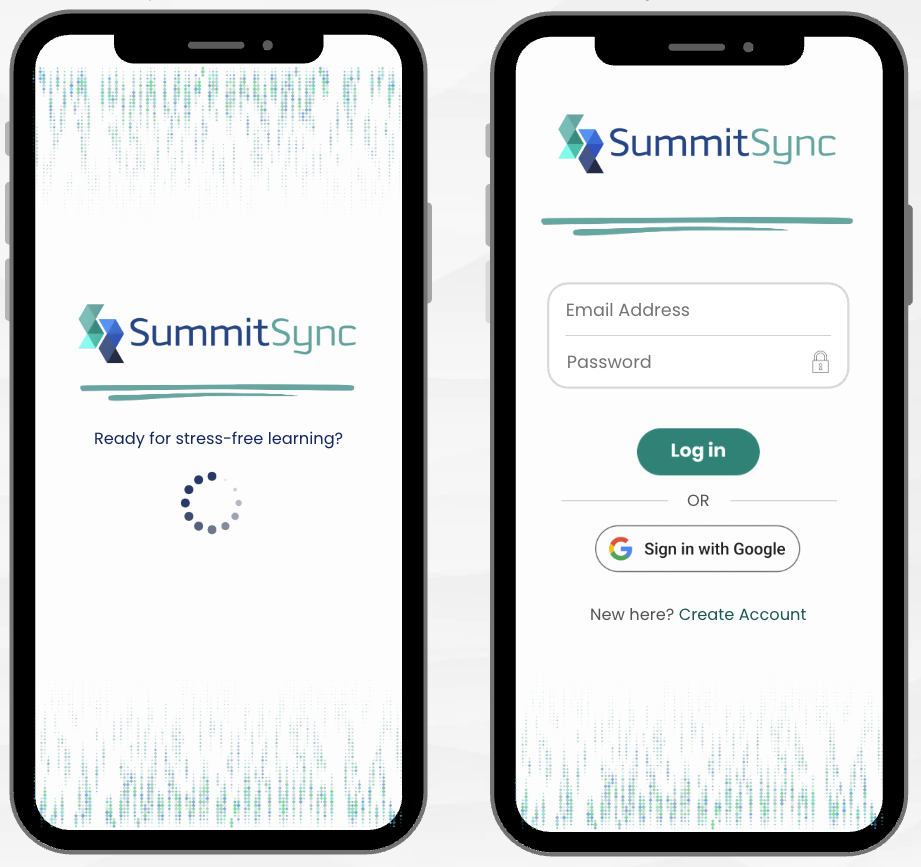
SummitSync is a conceptual mobile application designed to enhance the conference experience for educators attending large-scale professional learning events. The app centralizes essential information such as session schedules, announcements, maps, and engagement features, creating a streamlined and user-friendly experience for participants.
SummitSync is a conceptual mobile application designed to enhance the conference experience for educators attending large-scale professional learning events. The app centralizes essential information such as session schedules, announcements, maps, and engagement features, creating a streamlined and user-friendly experience for participants.
The need for this project was identified through direct experience planning and supporting large conferences, where participants often struggle to navigate schedules, locate sessions, and stay informed in real time. These inefficiencies can detract from the overall learning experience. SummitSync addresses this problem by consolidating information into a single, intuitive platform designed specifically for user needs in a fast-paced conference environment.
The app was designed using UI/UX principles with a focus on usability, visual clarity, and interaction design. Adobe XD was used to create high-fidelity prototypes and user flows that reflect realistic user interactions. Design decisions were informed by human-centered design principles and cognitive load theory, ensuring that users can quickly access information without unnecessary friction. The result is a cohesive, visually engaging app concept that demonstrates the intersection of instructional design, user experience, and visual communication.